Mode 01
Standard
The protection veil is shown and the password field stays visible. Intensity is adjustable from 15 to 70 per cent.
 ScreenShield21
Local access protection for Windows
ScreenShield21 protects access to your Windows PC as soon as you leave it, and gives you several safe ways to take back control: password, security key, paired phone, or recovery media.
Final signed RC1 · Official Windows download
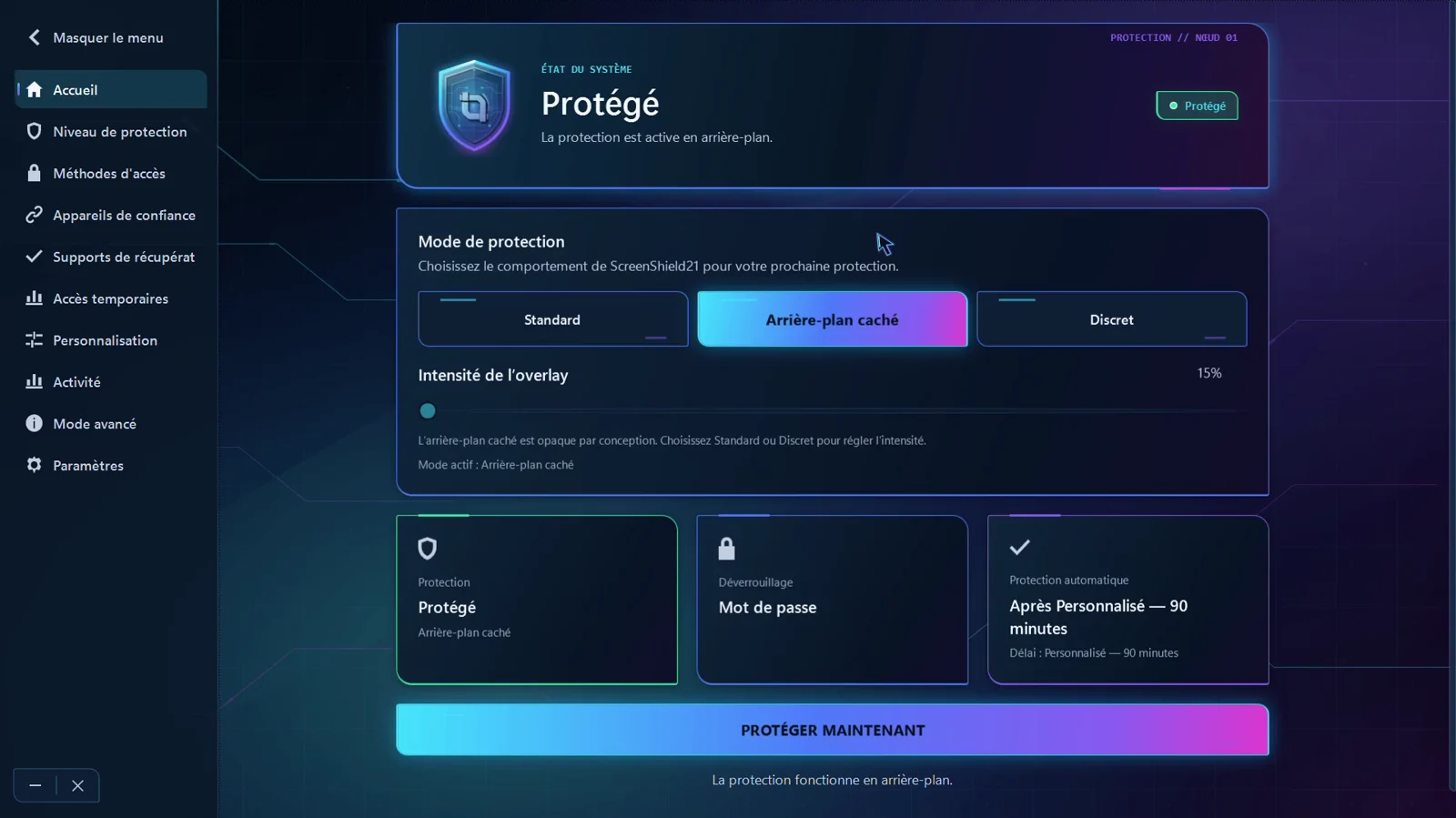
The mode decides what someone sitting down at your computer sees while you are away. You choose it from Home, before the next protection starts.
Mode 01
The protection veil is shown and the password field stays visible. Intensity is adjustable from 15 to 70 per cent.
Mode 02
The screen is masked. This mode is opaque by design, so intensity is not adjustable.
Mode 03
The password field is completely hidden. A shortcut you choose brings it back.
Each method family is independent. The password remains the mandatory fallback method, whatever your configuration.
Verified locally by the security engine. Always available, never removable.
A physical FIDO2 key whose possession is verified cryptographically.
A paired Android phone, with the permissions you grant it.
A USB key, SSD, or external drive prepared in advance and recognized when plugged in.
ScreenShield21 distinguishes browser access, with a duration approved on the PC, from the permanently paired installed Companion.
A — Temporary access
The PC shows a temporary QR code. The phone opens it in its browser; the PC then approves the access duration.
B — Permanent trusted device
After installation and a pairing approved on the PC, the phone becomes a permanent controller that keeps its link.
Useful protection must account for losing an access method. ScreenShield21 prepares that path before you need it.
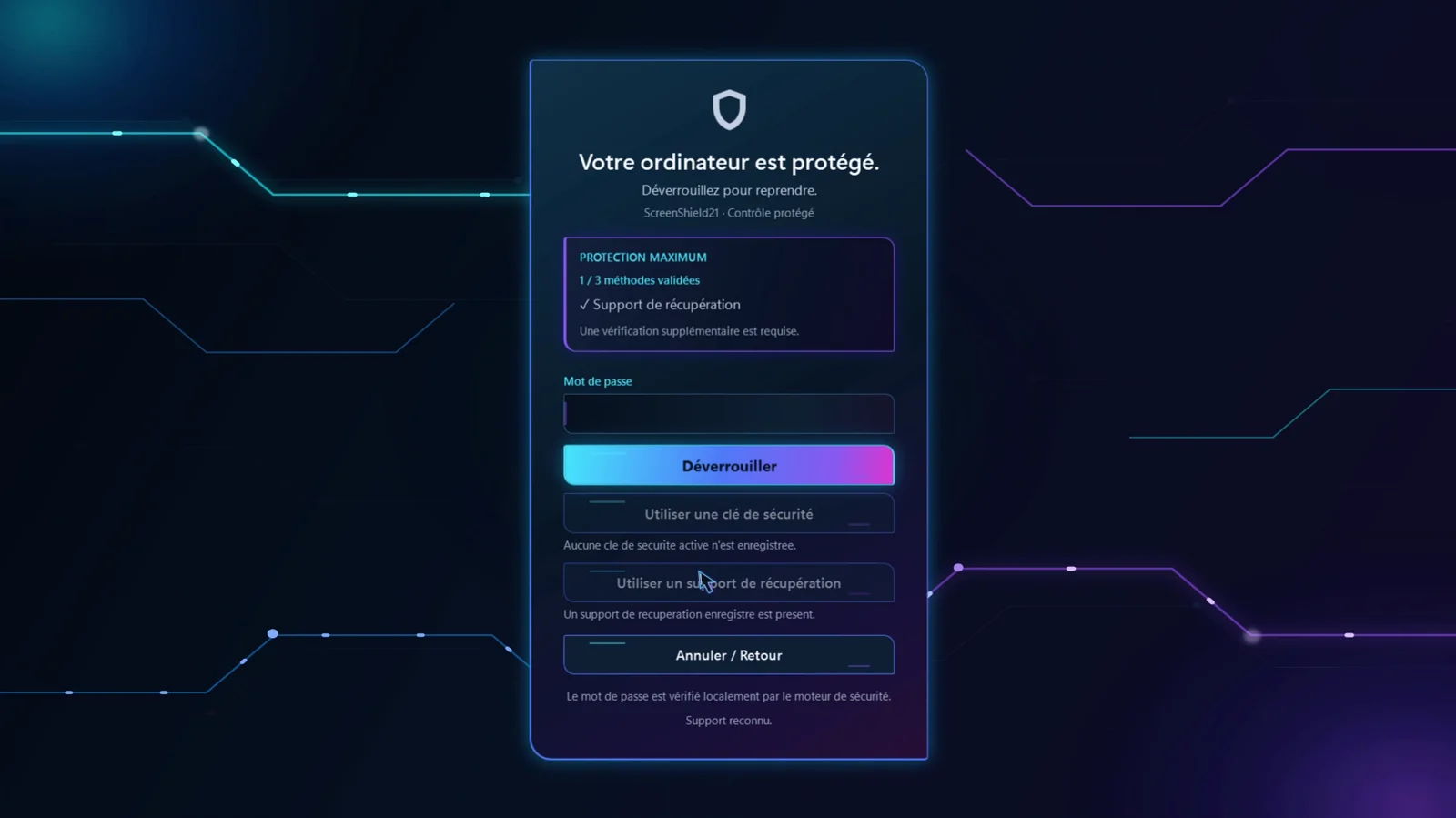
Protection decisions are executed on your machine. The website takes part in no access decision.
Unlocking is decided locally. A paired phone asks; it never grants final access itself.
No unlock depends on screenshield21.com being available, or on a web account.
ScreenShield21 reduces specific local-access risks. It is not an antivirus, not a VPN, and not a guarantee against every attack.
Start with context
The guides describe the signed RC1 behaviour, including what the product does not do.