Two distinct mechanisms carry the name temporary access: Web access for an approved duration, opened by QR code, and a recovery grant given to registered media.
They answer different needs and do not open the same doors.
Web access by QR
For an approved duration
The browser opens the Web Companion. You approve the duration on the PC; 24 hours may be preselected. This path currently receives all four initial permissions.
Nothing to install on the phone
SingleSession: pairing is not retained on the PC; other durations may retain it
The code expires on its own, and can be regenerated on demand
The browser may retain the state needed to resume
Temporary recovery access
For media you own
You grant an already-registered recovery medium a right to recover that is time-limited, or valid until revoked.
Durations offered: 1 h, 2 h, 8 h, 24 h, or until revoked
Granted to specific media, not to a person
Revocable from the PC at any time
Useful before travel or a period of higher risk
02
Opening temporary web access
On the PC, open Trusted devices and choose “Pair a device (QR)”.
Scan the code shown with the phone's camera.
Check on the PC that the verification code matches the one shown on the phone.
Choose the duration and approve the four initial permissions: Lock, Unlock, View status, View devices.
Closing the page is not a general revocation. To remove a retained pairing, use the PC controls.
If the HTTPS component is unavailable, the application offers the native Companion on the local network instead of failing silently.
03
Granting temporary access to media
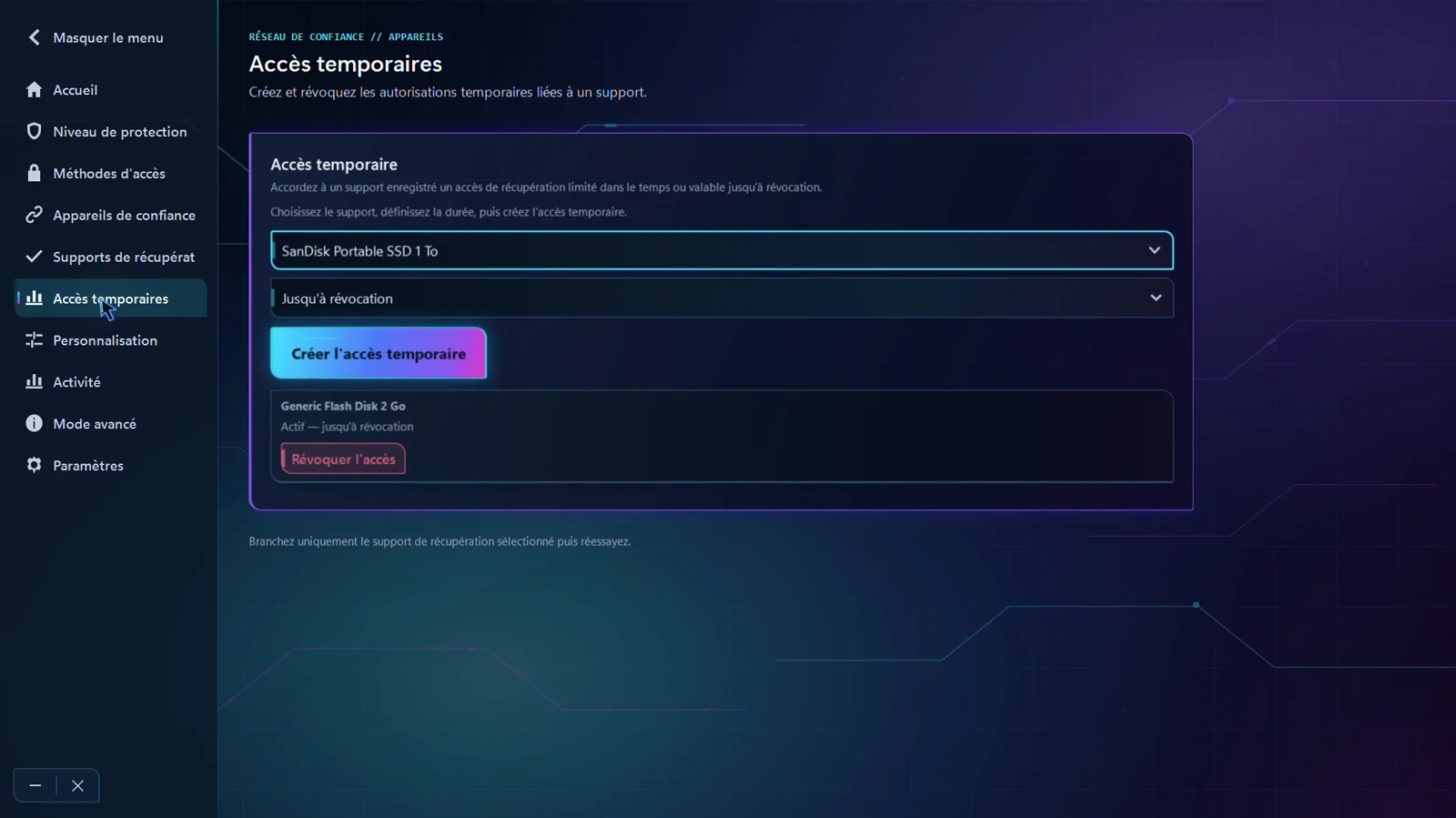
ScreenShield21 RC1 Temporary access page, with access active until revoked.
Choose a recovery medium that is already registered and active.
Set the duration, from one hour to a validity that lasts until revoked.
The active access stays listed with its expiry.
“Revoke access” ends the authorization immediately.
04
What stays true in both cases
The PC decides
Neither path turns an outside device into an unlock authority.
Explicit duration and retention
The approved duration determines Web access validity; the browser may retain resume state. Recovery access remains tied to its duration or revocation.
Everything is revocable
You can cut access from the PC without waiting for it to expire.