Mode 01
Standard
Protection veil visible, password field shown. Intensity adjustable from 15 to 70 per cent.
 ScreenShield21
The product
ScreenShield21 brings system state, protection mode, access methods, paired devices, and recovery paths together in a single local application.
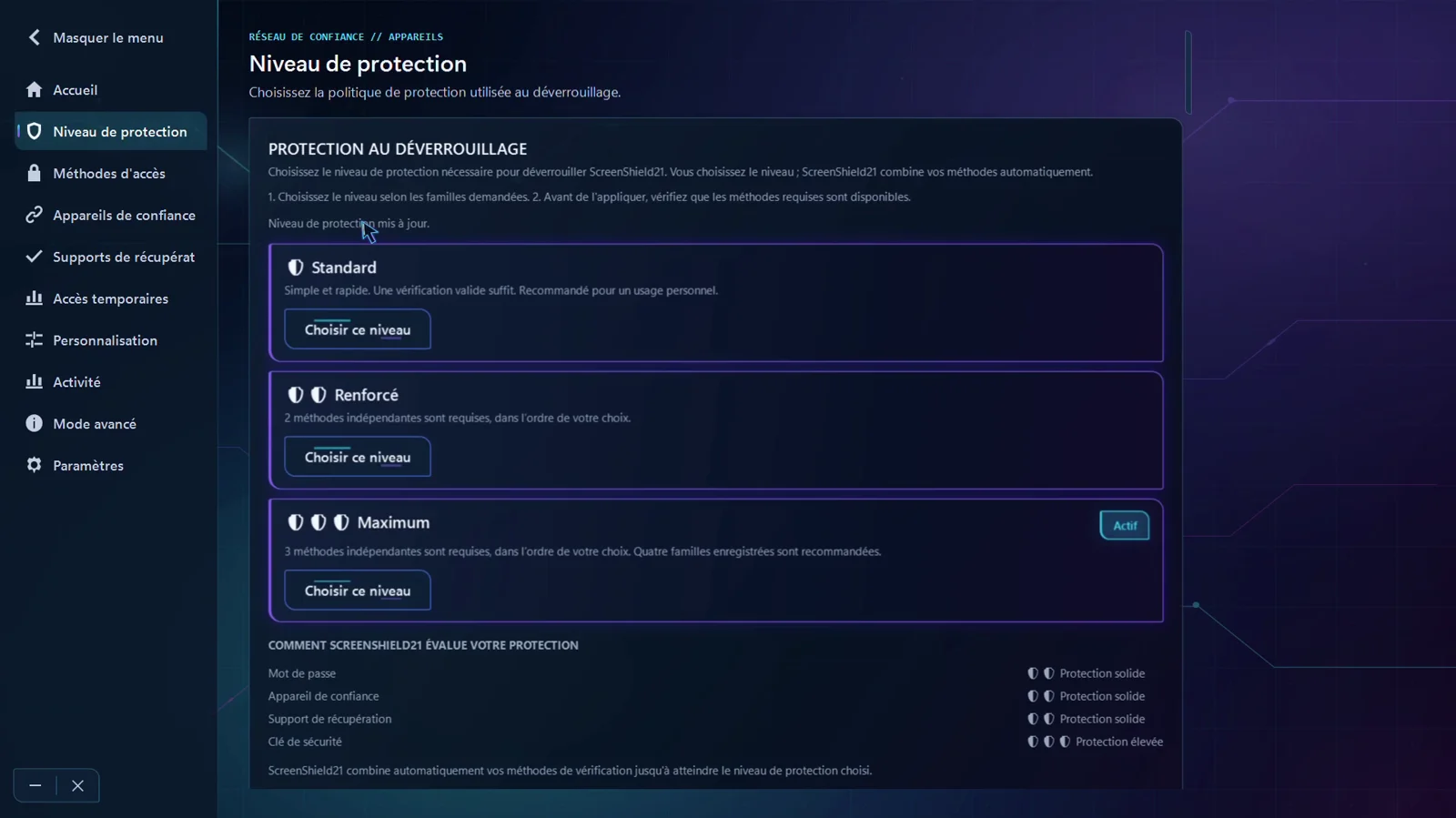
Home puts the protection posture first: what is active, how you will unlock, and how long before protection arms itself.
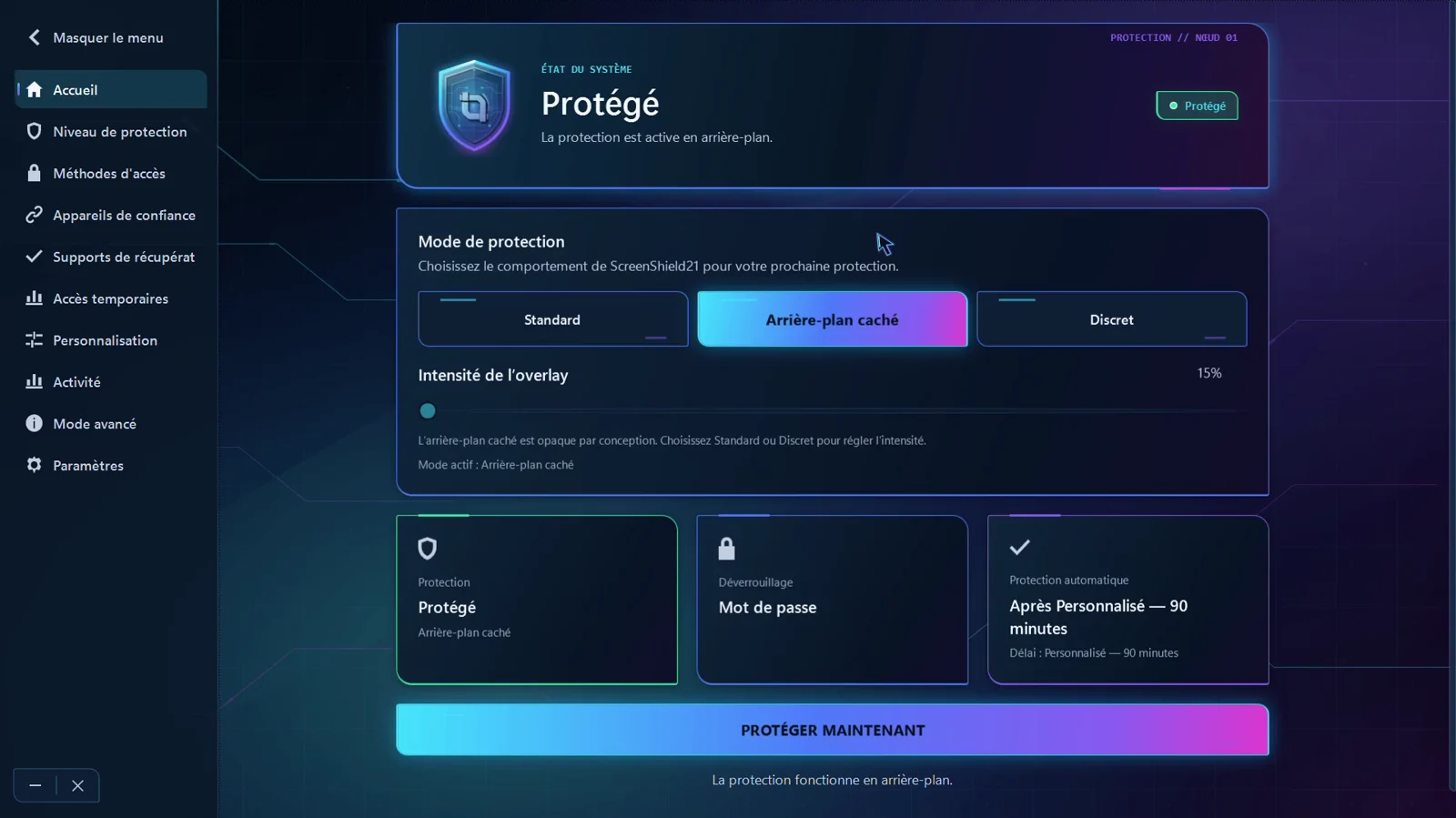
Three behaviours, chosen according to where you work.
Mode 01
Protection veil visible, password field shown. Intensity adjustable from 15 to 70 per cent.
Mode 02
Screen masked, opaque by design. Intensity adjustment is deliberately disabled in this mode.
Mode 03
Password field entirely hidden on the lock screen, revealed by your shortcut.
You configure the level from the registered independent families. At unlock, ScreenShield21 evaluates their availability and validates the required proofs.
1
One valid verification is enough. Recommended for personal use.
2
Two independent methods are required, in any order you choose.
3
Three independent methods are required. Four registered families are recommended.
Mode and level are two separate settings: the mode decides what is displayed, the level decides what must be proven.
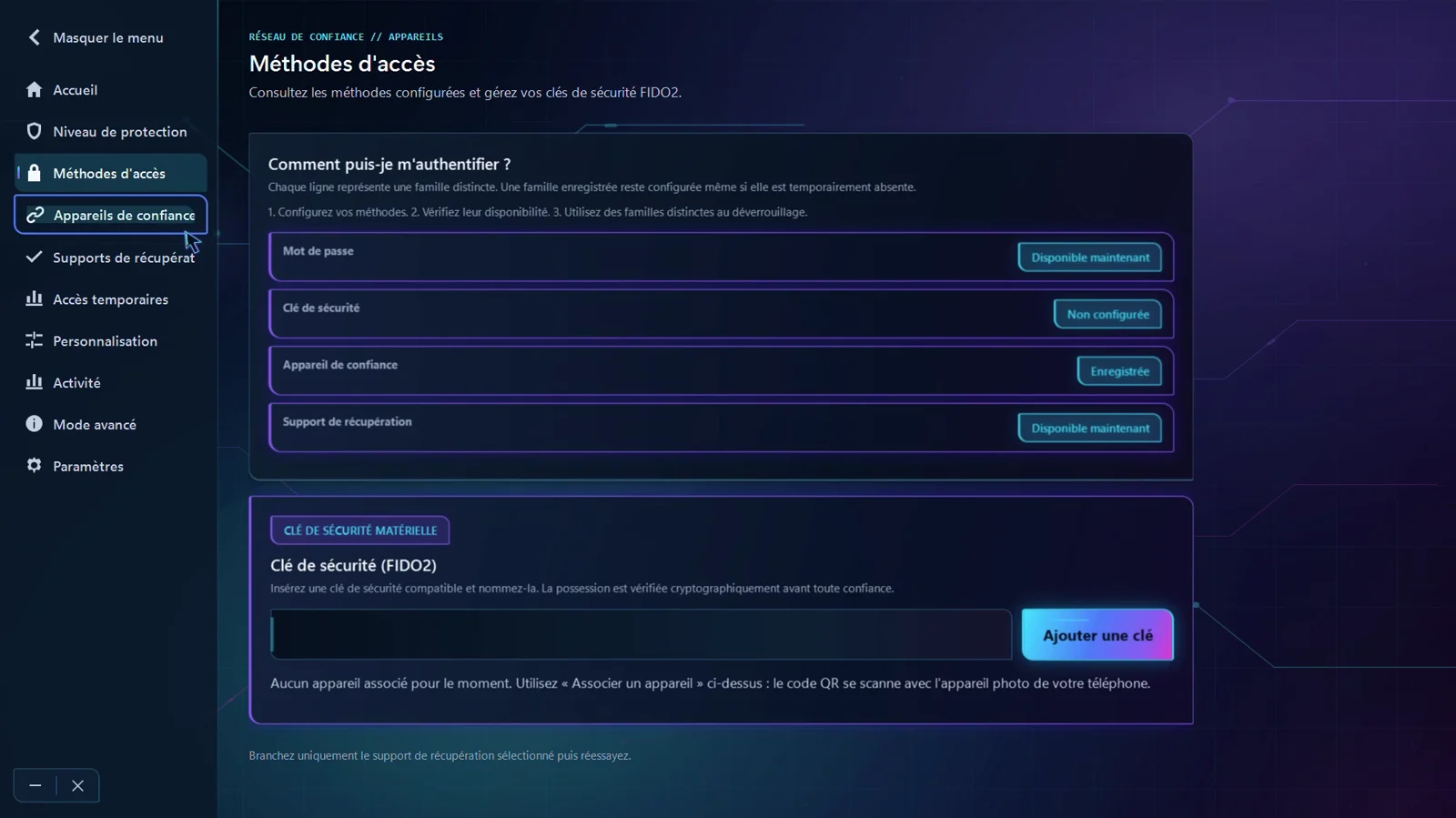
Each row is a distinct family. A registered family stays configured even when it is temporarily absent.
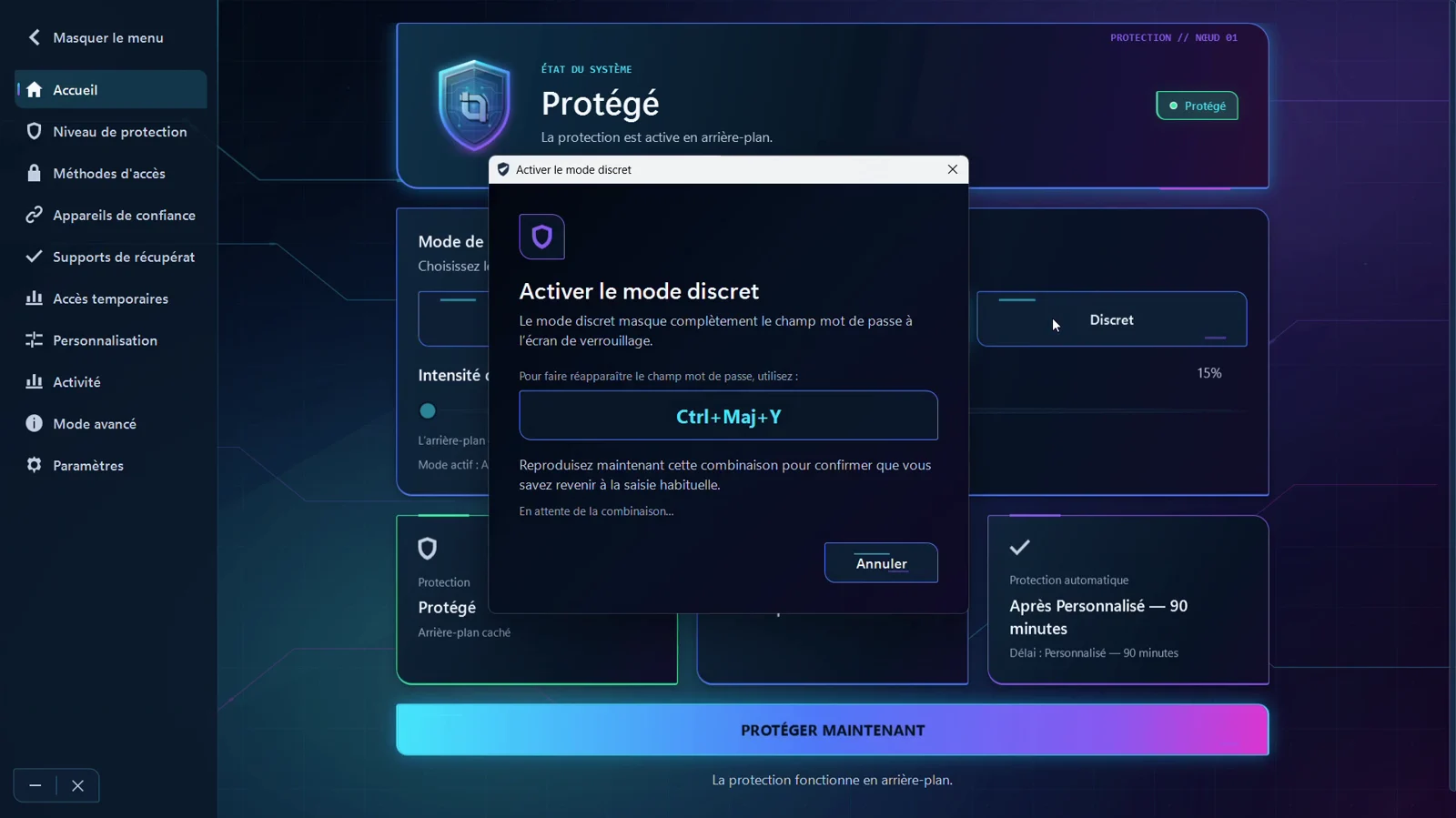
Hiding the password field is useful, but dangerous if you forget how to bring it back. The application refuses to enable the mode until you have reproduced the shortcut yourself.
The scope is deliberately narrow, and written here to avoid any ambiguity.
No file scanning, no malware detection.
No encryption of your browsing or general network traffic.
No directory, no federation, no fleet administration.
An adversary who already holds administrator privileges, or prolonged physical access, is outside the scope.